THE SCREEN PRINTER’S RESOURCE
Photoshop Color Separation for Screen Printing
Stop Fighting Photoshop - Automate Your Separations
Try InkSplit Free - No Photoshop NeededReady, Sep, Go,™
INSIDE INKSPLIT
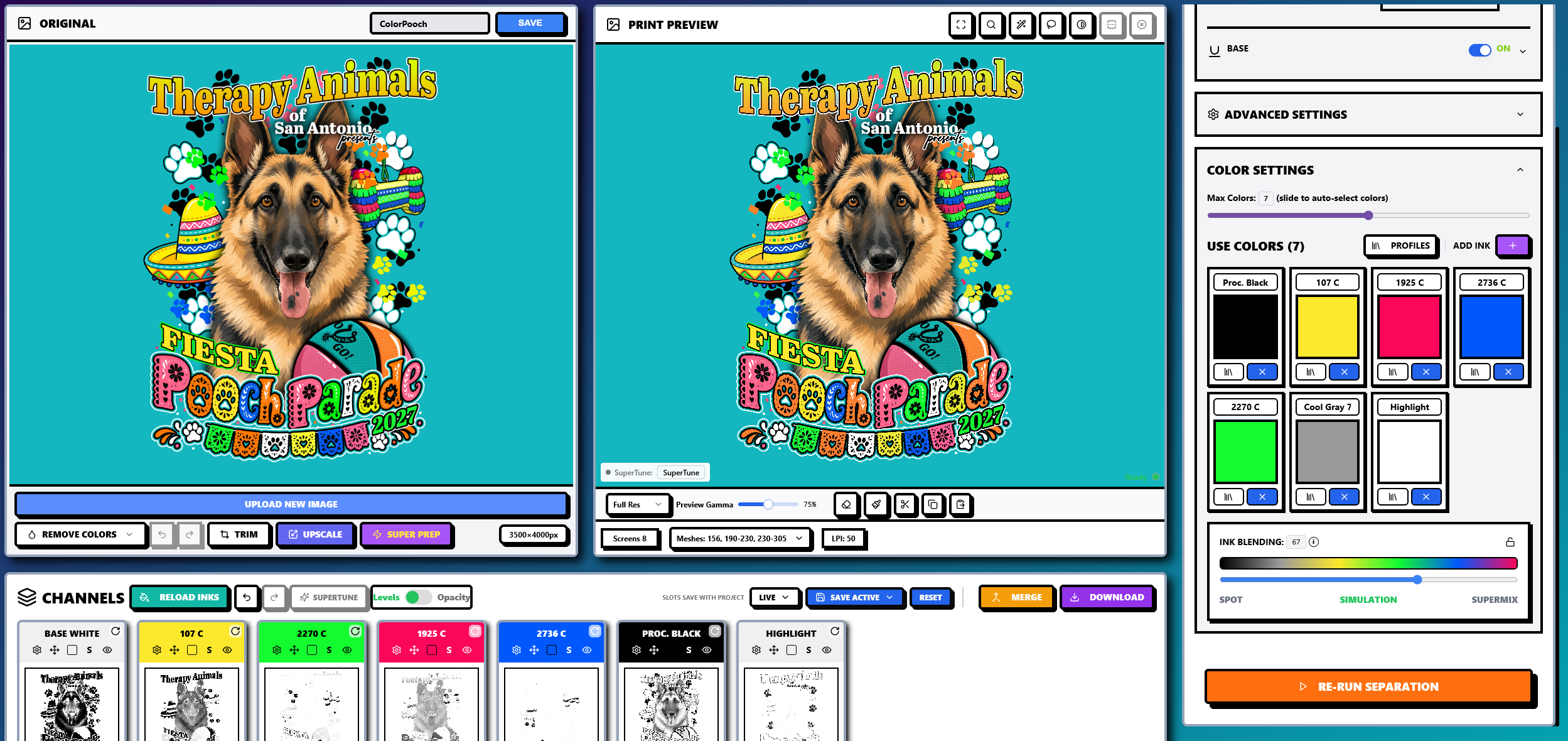
The Photoshop Separation Challenge
Traditional Photoshop color separation is time-consuming and requires:
- →Manual channel extraction - Hours of selecting and isolating colors
- →Underbase creation - Complex masking and layer management
- →Halftone generation - Tedious bitmap conversion and angle setup
- →File export - Preparing multiple files for your RIP
InkSplit automates all of this in under 5 minutes.
Photoshop vs InkSplit
| Feature | Photoshop | InkSplit |
|---|---|---|
| Time per job | 1-3 hours | Under 5 minutes |
| Skill level | Expert | Beginner friendly |
| Underbase | Manual creation | AI-powered auto |
| Halftones | Manual bitmap mode | Built-in RIP |
| Cost | $60/month + learning curve | From $1/separation |
Common Questions
Ready to Ditch the Photoshop Grind?
Join thousands of screen printers who switched from manual Photoshop workflows to InkSplit.
Start Your First Separation Free